
Google Sheets Add-on
Convert currencies in your spreadsheet without the busywork
Instant Currency writes converted values directly into your cells with correct formatting. 160+ currencies. Historical rates going back decades. No formulas to maintain.
Values, not formulas
Converted amounts are written as plain numbers. They don't update behind your back, error out randomly, or break when you copy a sheet.
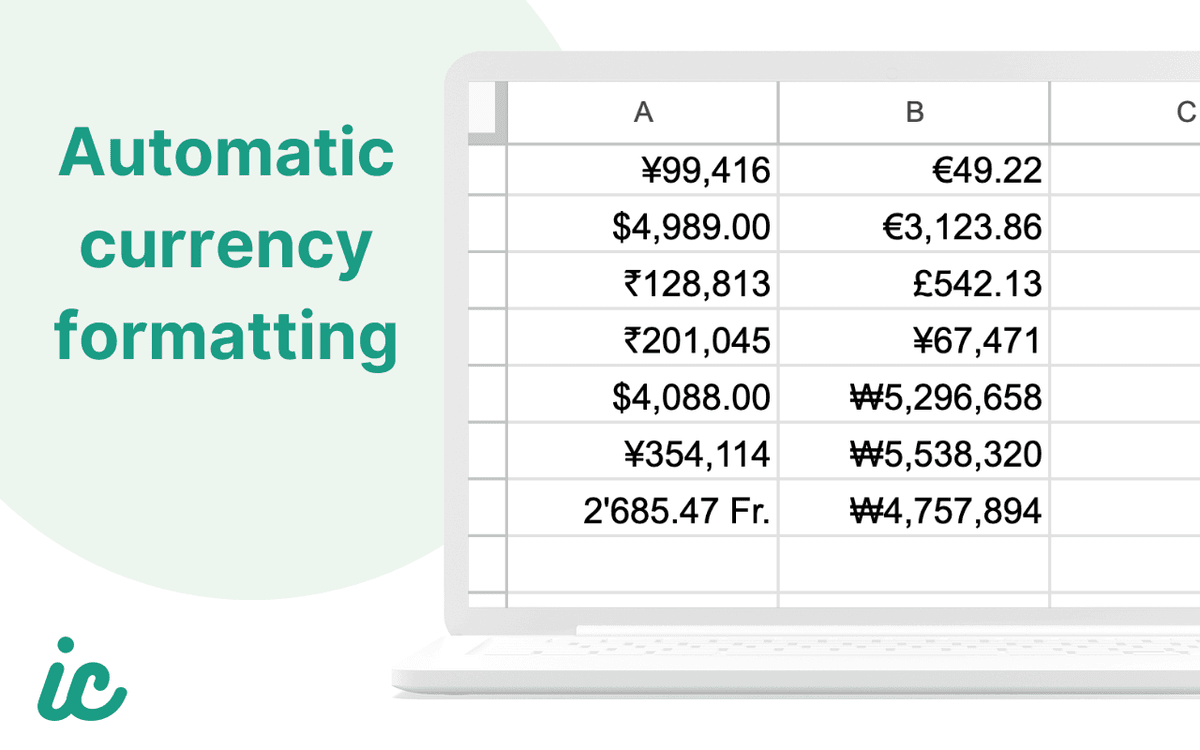
Correct currency formatting
Yen gets zero decimals. Swiss francs get apostrophe separators. Rupees use the lakh system. Each currency's display rules are applied to the cell.
160+ currencies
Every major currency and most minor ones. If it has an ISO 4217 code and a reliable exchange rate source, it's in the list.
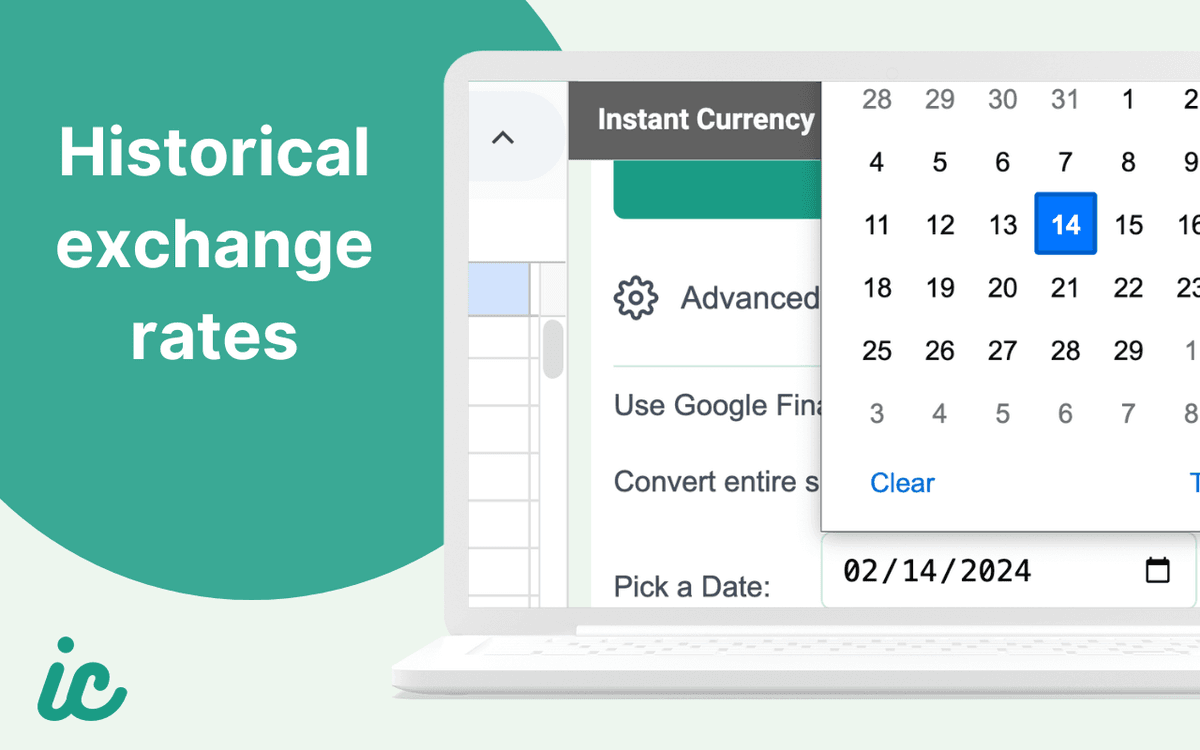
Historical rates
Pick any date going back decades and convert at that day's exchange rate. Useful for expense reports, audits, and invoice reconciliation.
Entire sheet conversion
Convert a selection of cells or toggle on whole-sheet mode to convert every value in the active sheet at once.
Google Finance formula mode
Prefer live-updating formulas? Toggle the GOOGLEFINANCE option to insert formulas instead of hardcoded values.
Built for
People who work across borders
Project managers
Budgets, vendor quotes, and expense reports arrive in different currencies. You need everything in one base currency for stakeholder reporting. This does that in seconds.
Finance teams
Month-end close with international subsidiaries. Consolidating invoices, payroll, and vendor payments across currencies into a single reporting workbook.
International travelers
Tracking trip expenses across countries. Logging costs in local currencies and converting them to your home currency to see actual spending.
Common questions
Frequently asked questions
- How do I convert currency in Google Sheets?
- You can use the GOOGLEFINANCE function to pull live exchange rates, but it requires formula syntax and returns values that change on every recalculation. Instant Currency is a Google Sheets add-on that converts currencies with a single click. Select your cells, pick a target currency, and the converted values are written directly into your sheet with correct formatting.
- What's wrong with using GOOGLEFINANCE for currency conversion?
- GOOGLEFINANCE works for simple lookups, but it has well-known limitations. It returns #N/A errors for some currency pairs, does not work inside ARRAYFORMULA, only updates while the spreadsheet is open, and its historical rate syntax requires wrapping the result in INDEX to extract a single value. Instant Currency avoids all of these issues. Learn how GOOGLEFINANCE works
- How many currencies does Instant Currency support?
- Over 160 currencies. Every currency with an ISO 4217 code and a reliable exchange rate source is included. This covers all major currencies and most minor ones, from USD, EUR, and GBP to lesser-used codes like XOF, BHD, and KZT.
- Can I get historical exchange rates in Google Sheets?
- Yes. With Instant Currency Pro, you can pick any date going back decades and convert at that day's exchange rate. This is useful for expense reports, audits, and reconciling invoices that were issued on a specific date. The built-in date picker makes it simpler than writing a GOOGLEFINANCE historical rate formula. See Pro pricing
- Does Instant Currency insert formulas or hardcoded values?
- Both, depending on what you need. The default mode writes plain numbers so your values stay fixed and predictable. If you prefer live-updating rates, you can toggle on GOOGLEFINANCE formula mode and the add-on will insert formulas instead.
- Is Instant Currency free?
- The core add-on is completely free with no conversion limits. You get one-click conversion, 160+ currencies, automatic formatting, and full-sheet conversion at no cost. Pro adds historical exchange rates and priority support for $5/month, and you can cancel anytime. Compare plans
Try Instant Currency
Install from the Google Workspace Marketplace. Free with no account or sign-up required. Convert your first cell in under a minute.
Install for Google Sheets